01 / TRIP LOGS
Mileage tracking that fits your day.
Record trips with GPS, enter them manually or start with an NFC tap. Keep the distance, vehicle and trip category together, so your logbook is ready to review.
Explore mileage trackingBUILT FOR CANADIAN DRIVERS
Your vehicle. Five essentials. One app.
Your mileage tracker, fuel log and vehicle maintenance app—together. Keep trips, running costs, service records and your garage organised, with a vehicle history ready to share when it's time to sell.
Free to use · No account required · Android 8+
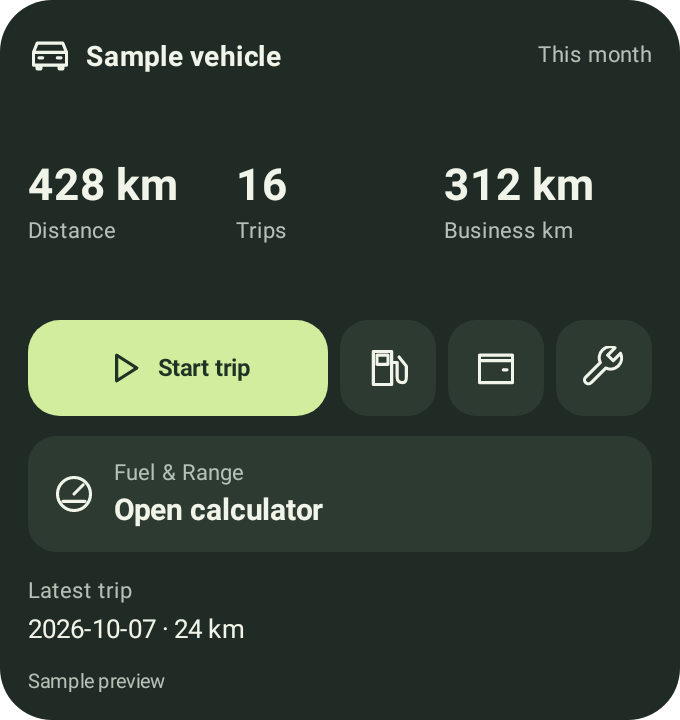
Explore the new themes in 1.27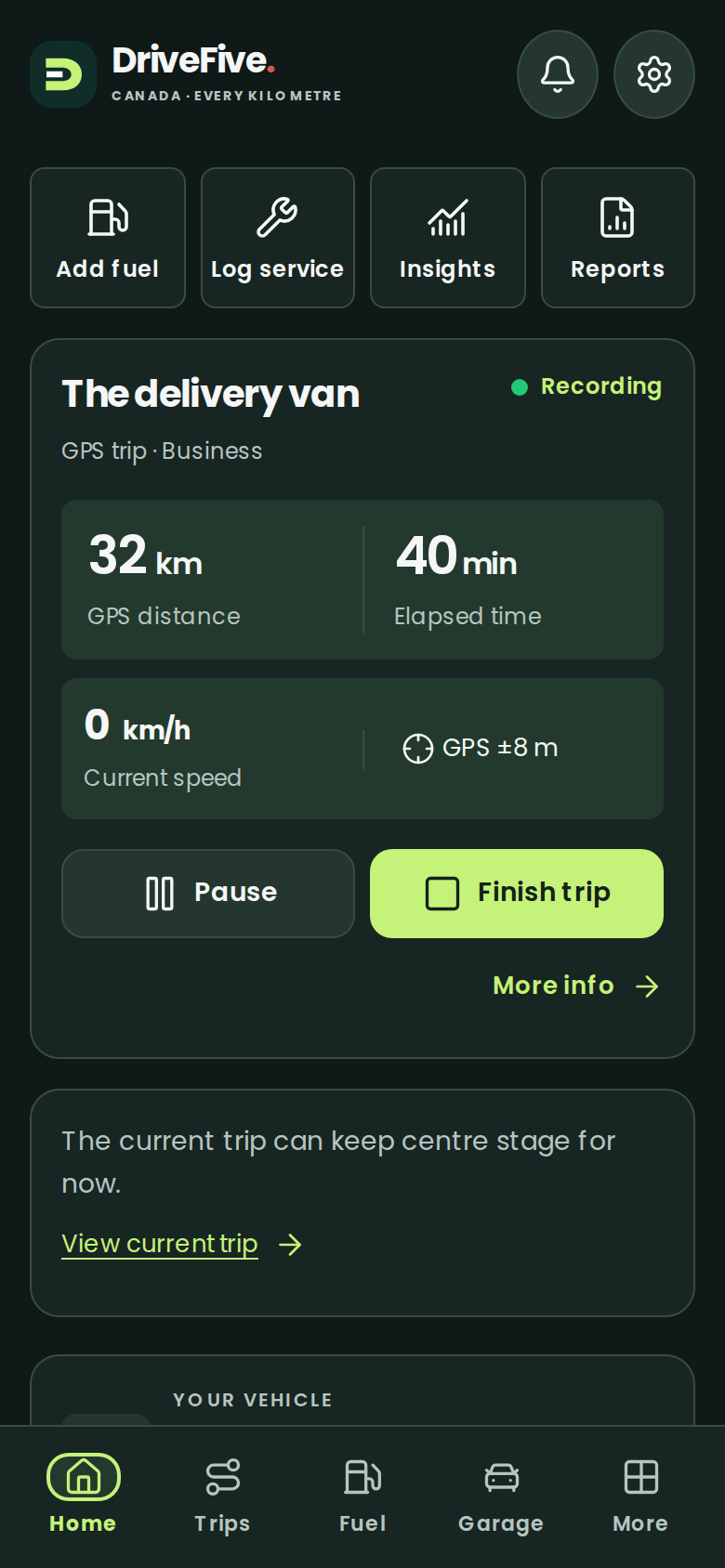
Kilometres · Canadian dollars · Litres & kWh · Gas, hybrid & electric
THE FIVE IN DRIVEFIVE
From your first logged kilometre to the day you hand over the keys. Five connected ways to keep your vehicle's story in order.
Record trips with GPS, enter them manually or start with an NFC tap. Keep the distance, vehicle and trip category together, so your logbook is ready to review.
Explore mileage trackingLog fuel, EV charging and receipts in one place. Track fuel consumption in L/100 km from complete fill-up records and see what you spend keeping each vehicle moving.
Explore fuel logs and consumptionKeep service records and reminders together. Get optional reminders suggested from your own service history, with a choice to snooze or hide them. Your interval stays in your control.
Explore service logs and remindersYour daily driver, work vehicle or household garage—keep each one's trips, costs and maintenance connected to the right set of wheels. Switch vehicles without mixing up their histories.
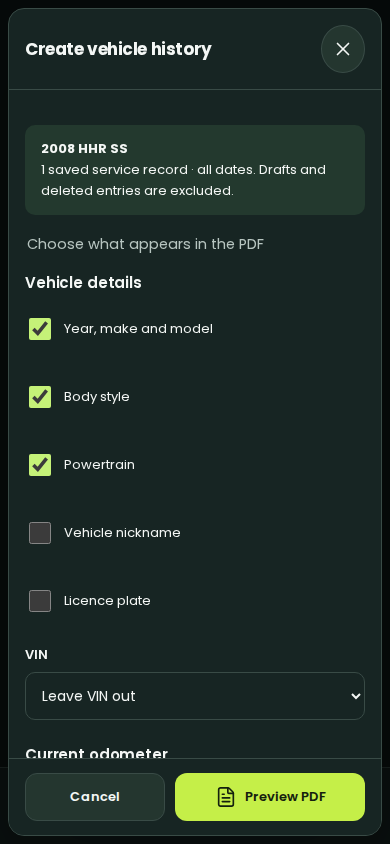
Explore your vehicle garageTurn saved maintenance records into a vehicle history you can share or print for a buyer. Include service work and odometer readings, choose the vehicle details to show, and create a clear PDF.
Explore shareable vehicle history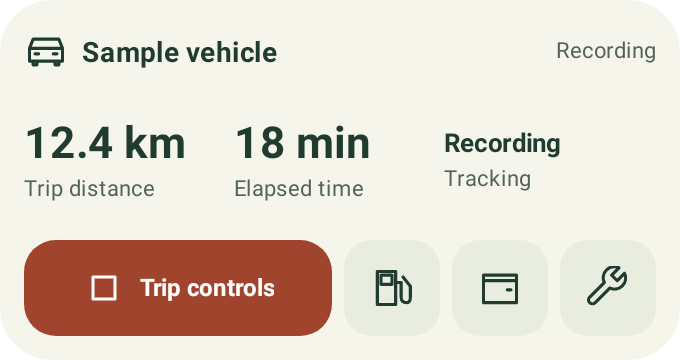
INSIGHTS IN VERSION 1.26
Turn the trips, fill-ups and charging costs you already record into useful comparisons. Choose your vehicle and dates to focus on what matters.
See how logged distance, recorded spending and cost per logged kilometre changed from the preceding period of the same length.
See complete full-to-full intervals and a distance-weighted period average. Partial fills count; incomplete intervals are left out.
Track what you recorded paying per litre or kWh. Quantity-weighted averages use known costs, with missing information identified.
Recorded costs and purchase prices, not live prices or a complete cost-of-ownership calculation. Missing information stays visible.
Explore the new Insights1.27 app preview · Carbon theme · Sample data
Open full-size app screenshotAPPEARANCE IN 1.27
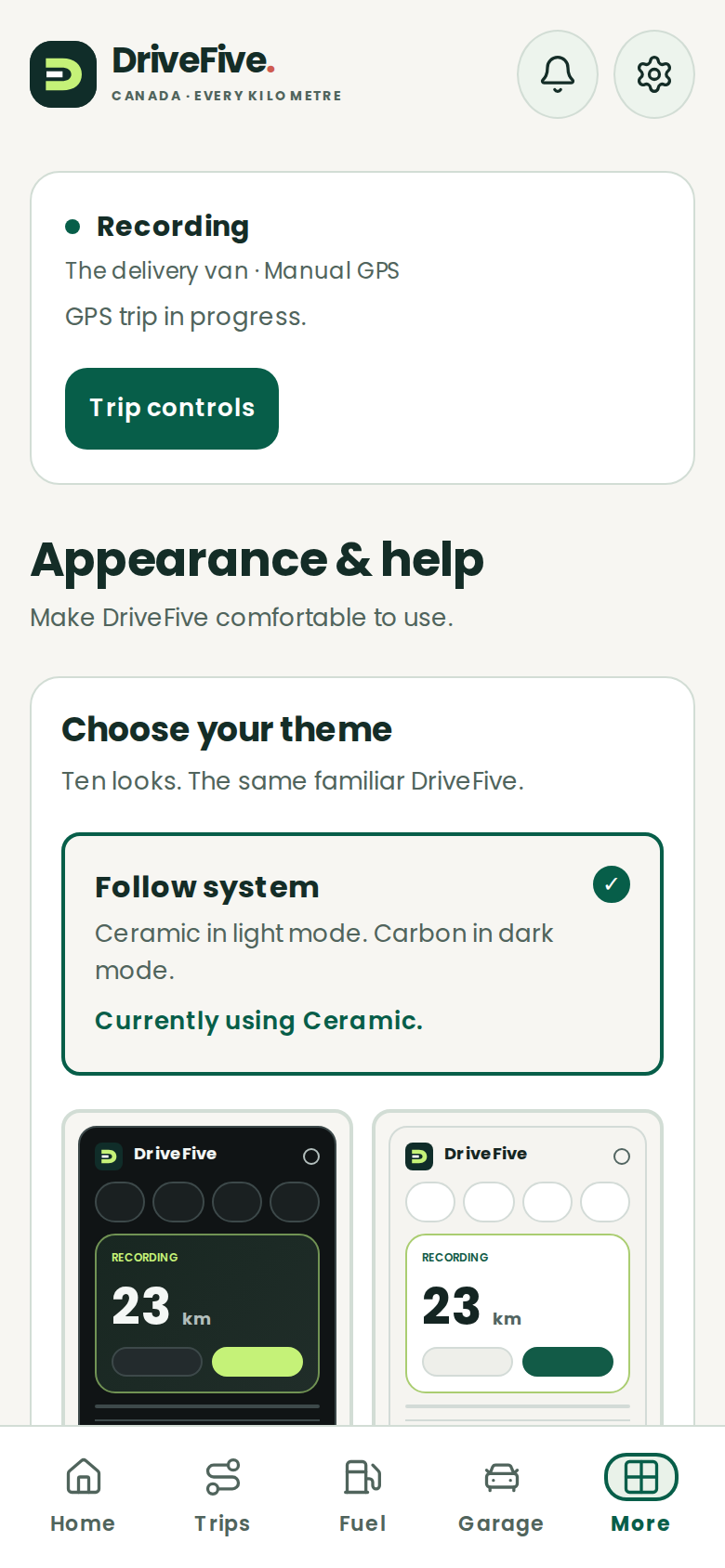
Choose from ten themes, follow your phone’s light or dark setting, or add your own accent colour. Your familiar controls stay right where they belong.
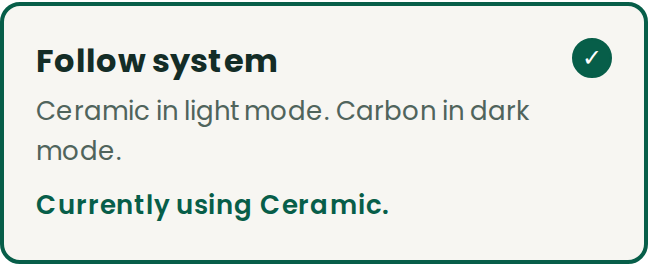
Follow system uses Ceramic when Android is light and Carbon when it is dark. Or keep your favourite theme on all the time.
Four light themes and six dark themes. Preview Carbon, Ceramic, Glacier, Circuit, Forest, Arctic, Sand, Blossom, Ocean and Midnight here.
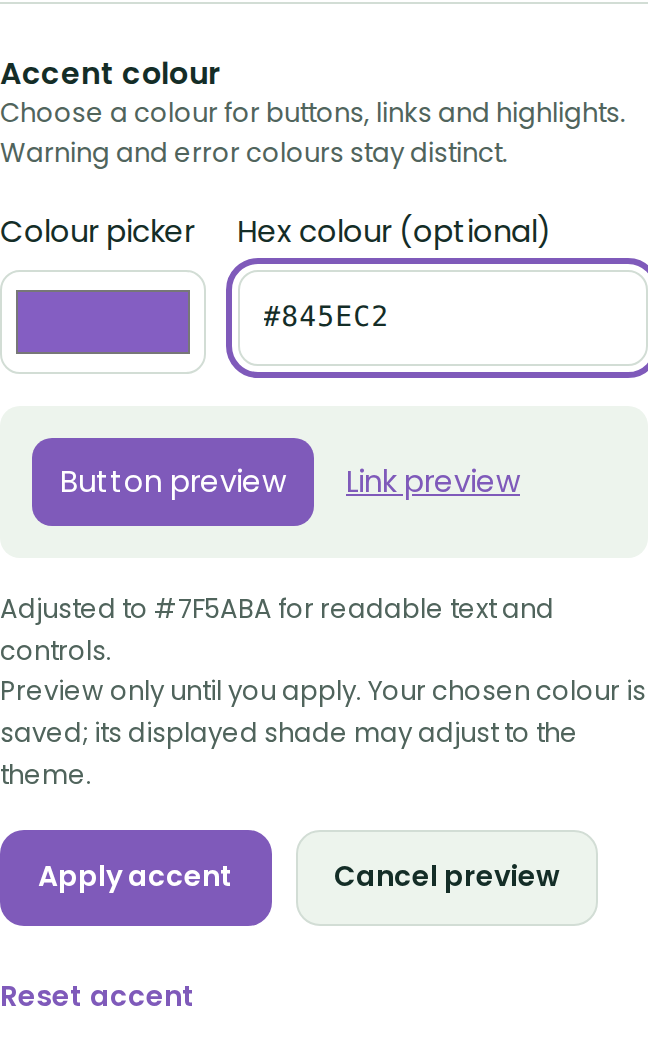
Pick an accent or enter a hex colour. See the preview, then apply it. DriveFive adjusts the displayed shade when needed to keep text and controls readable.
The theme previews show the 1.27 interface with sample data. Google Play availability of 1.27 is not yet confirmed. Other screenshots keep their original capture-version labels.
MAKE IT FEEL LIKE YOURS
Open the gear on Home, then choose Appearance. Your current theme stays selected after updating. A new garage starts with Follow system.
Tap Follow system to switch automatically between Ceramic and Carbon. Choose any preset below it to keep one look.
 View the theme settings
Use the colour picker or optional hex field, then Apply accent. Cancel preview restores your saved choice; Reset accent brings back the theme’s default.
Theme choices save automatically and work offline. Full backups include your theme and accent. Widgets keep their own appearance settings; map tiles keep the provider’s style.
Read the appearance guideLOOK AFTER IT. HAVE THE HISTORY TO SHOW IT.
When it's time for a new set of keys, turn your saved service records into a vehicle history you can share or print.
No account to create. Records stored on your device. Export, back up and share when you choose.
FROM THE DRIVEFIVE BLOG
Practical guides for the records you keep and the journeys ahead.
Learn how to record parking, tolls, registration, insurance and receipts in a clear Canadian vehicle expense log without duplicate costs.
Turn repair invoices and parts receipts into a clear vehicle service log with dates, odometers, work details and accurate DriveFive entries.
Use a repeatable month-end check for trips, odometers, fuel, receipts and costs, then export a scoped DriveFive report and make a separate backup.
A FEW THINGS YOU MIGHT BE WONDERING
Still have a question?
Say hello to DriveFive
Yes. DriveFive is free to use, and you don't need to create an account. Download it from Google Play in Canada.
Yes. DriveFive supports gas, hybrid and electric vehicles, with fuel and charging records in litres and kWh. Keep each vehicle's records in your garage.
No. NFC is optional. You can record trips manually or use GPS without a tag. With a compatible Android phone and NFC tag, a tap can select your vehicle and start the trip workflow.
Your records are stored on your device. You can create backups and export or share information yourself. Make regular backups before changing phones or uninstalling the app.
Yes. Create a printable vehicle history from your saved service records, including the work recorded and the odometer reading at the time. Choose the vehicle details you want included before creating the PDF.
Download DriveFive from Google Play in Canada. The app requires Android 8 or later.

PHONE. WALLET. KEYS. LOGBOOK. LET'S GO.
Five essentials. One free Android app.
Available now on Google Play in Canada.
Free to use · No account required · Android 8+